

Intermittent wi-fi is worse than no wi-fi. A dead connection gets fixed; one that works fine until the exact moment it matters gets tolerated for months. The frustrating part is that the cause is usually mundane and local — a router in the wrong place, a channel shared with four neighbors, a device holding onto a signal it should have let go of. Most wifi troubleshooting comes down to identifying which of a short list is actually happening.
Two questions cut the problem in half. Does it drop on every device, or one? And does it drop everywhere in the house, or in particular rooms?
Every device, everywhere points at the router or the line coming into the building. One device points at that device. Particular rooms points at coverage. Ten seconds of thought here saves an hour of restarting things that were never the problem.
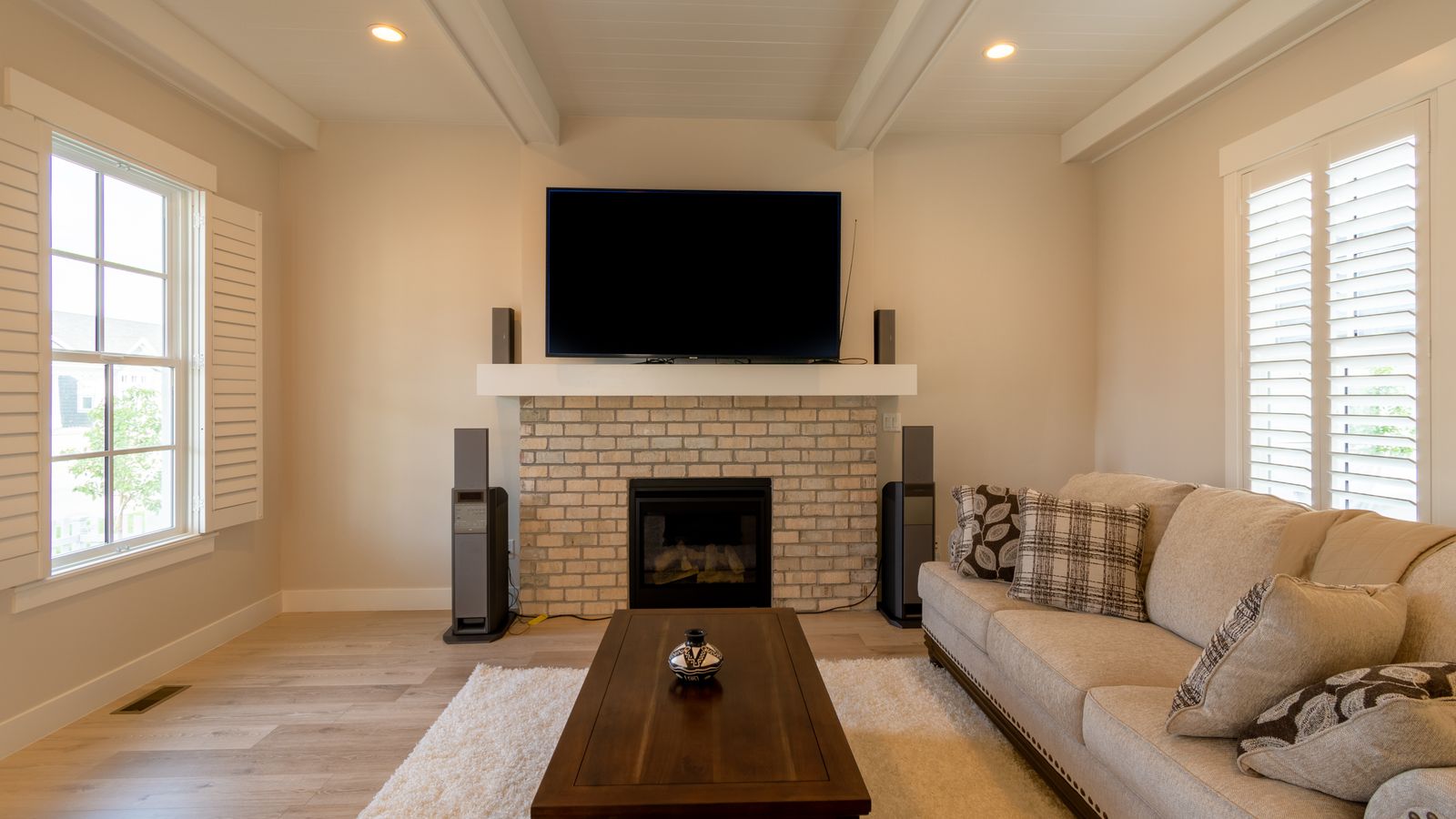
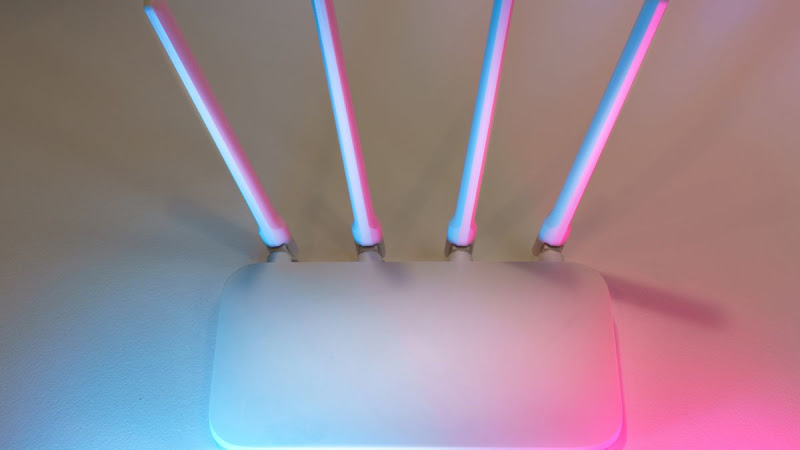
Routers end up wherever the cable enters the house, which is almost always a corner, often behind furniture, frequently on the floor. Every one of those is bad for coverage. Signal spreads outward and downward, so a router on a shelf in a central hallway covers dramatically more than the same router in a cupboard by the front door.
Thick walls, mirrors, and anything with water or metal in it absorb the signal. If half your home is behind a solid wall, no amount of channel switching will help, and that is the situation an extra mesh point is genuinely designed for. Advice on improving your wifi signal tends to skip straight to hardware when a two-meter move would have done it.
Modern routers broadcast on 2.4GHz and 5GHz. The first travels further and through more walls but is slower and far more crowded. The second is faster and cleaner but fades quickly with distance.
The practical consequence: anything far from the router or behind walls should be on 2.4GHz, and anything close — a work laptop, a television, a games console — belongs on 5GHz. Many routers hide both behind one name and choose for you, which is convenient until it chooses wrong and a device sits on the weaker option all evening.
Sometimes the answer is that the line into the building is the problem, and no amount of rearranging fixes that. The tell is a drop that hits everything at once, including anything plugged in by cable, and often at consistent times of day.
Worth checking before you call: whether the provider has a reported fault, how old the router is, and whether the drops line up with a neighbor's usage patterns. Turning up to that conversation with specifics gets it resolved considerably faster, and the same information is what any set of connection troubleshooting guides will ask you for anyway.
Work outward from the simplest thing: establish whether it is one device, one room, or everything, then move the router somewhere central and high before buying anything. Change the channel if evenings are the pattern, split the bands deliberately if the house is busy, and only then consider extra hardware. Most dropping connections turn out to be a placement problem wearing a technical disguise. There is more where this came from in everyday tech fixes.
If troubleshooting is your kind of reading, FactMates covers a lot of ground like this.